Club Officers
Maintaining an accurate Club Officer list is essential for defining leadership roles and ensuring that automated notifications reach the correct personnel.
Managing Club Officers
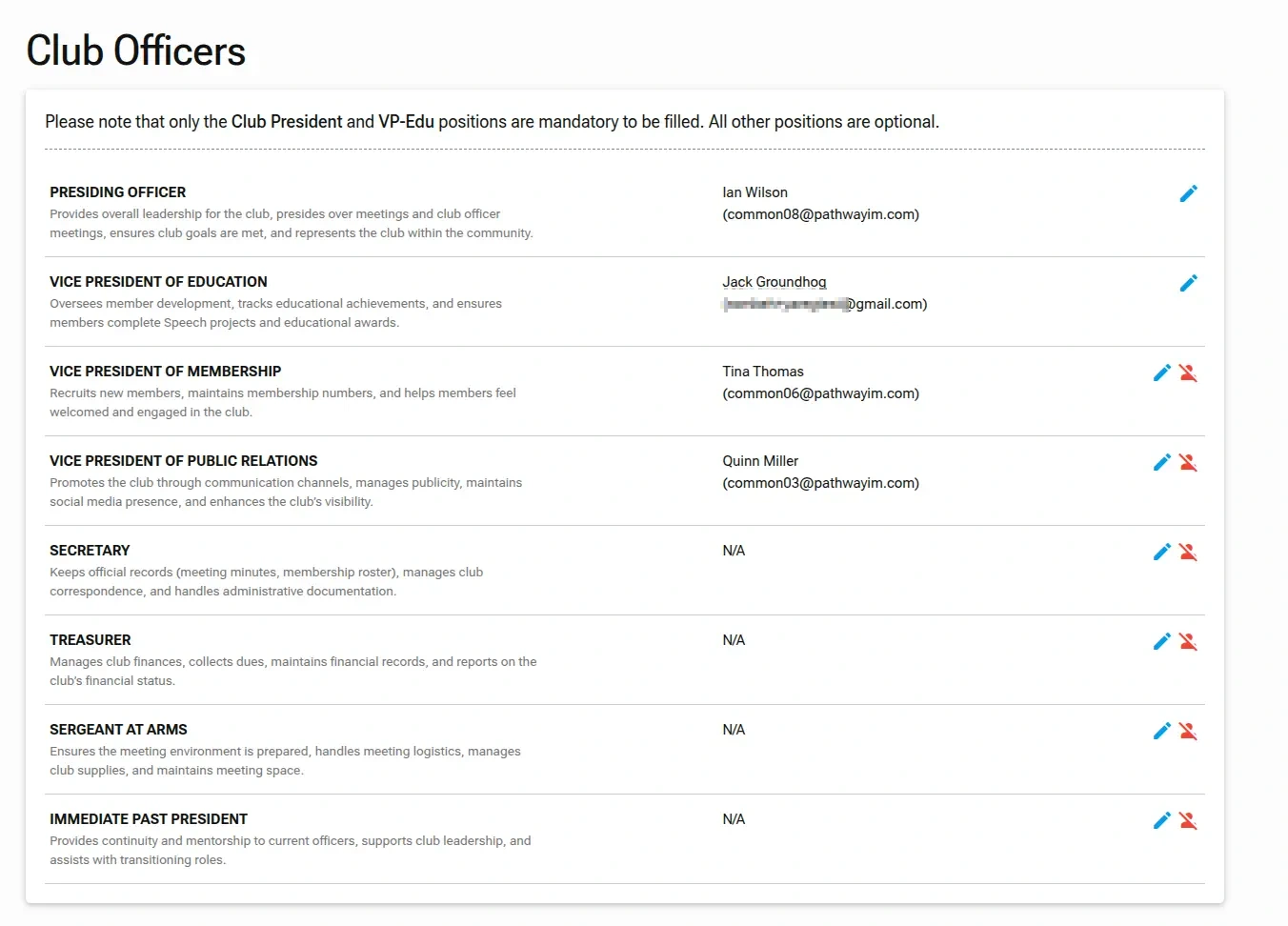
To manage your leadership team, navigate to Club Settings in the sidebar and select Club Officers.
Officer Requirements
While Toastmasters clubs have several officer roles, TMClubSchedule platform has specific requirements:
- Mandatory Roles: You must assign a
Club President(Presiding Officer) and aVP-Education. - Optional Roles: All other positions (VP Membership, VP Public Relations, Secretary, Treasurer, Sergeant at Arms, and Immediate Past President) are optional for platform functionality.
Updating an Officer Position
Prerequisite
Before assigning a new officer, ensure they have been added to your Club Members list. If they aren't in the dropdown, you'll need to add them there first.
Please refer to the Adding a New Member section for instructions on how to add new members.
- Locate the Role: Find the specific officer title you wish to update on the list.
- Edit: Click the
pencil iconnext to the position. - Select Member: In the
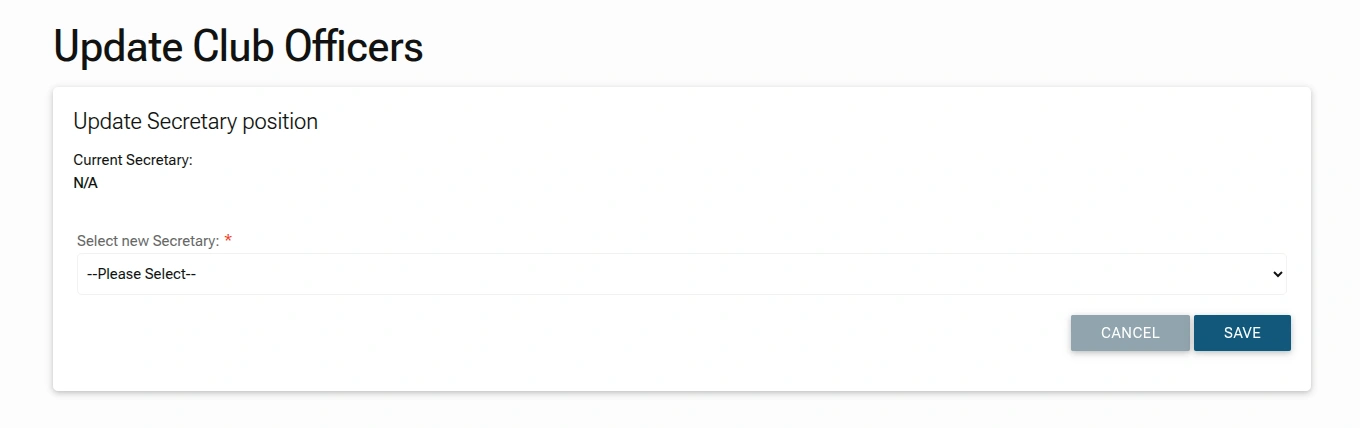
Update Positionscreen, use the dropdown menu to select the new officer from your existing member roster.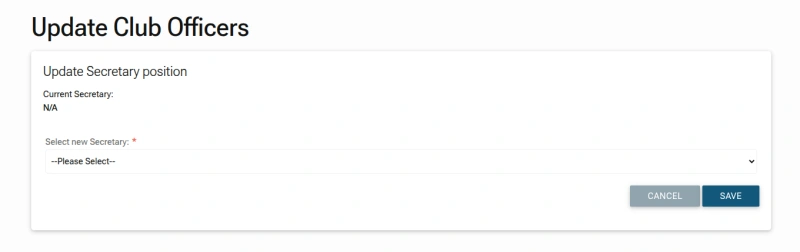
- Save: Click
SAVEto apply the change.
Removing an Officer
If a position becomes vacant (and it is not a mandatory role), you can click the Remove Officer icon (a red person icon with a diagonal slash) next to the edit button to clear the current assignment and revert the user back to a regular club member.